Buy Aim Lock-on Component from the Unreal Engine Marketplace
If you have an already existing project, then click "Add To Project".
Otherwise, create a new project on any supported UE5 versions, choose a template that includes a character, then click "Add To Project".
For a detailed new Player setup, visit the page below:
Player Setup
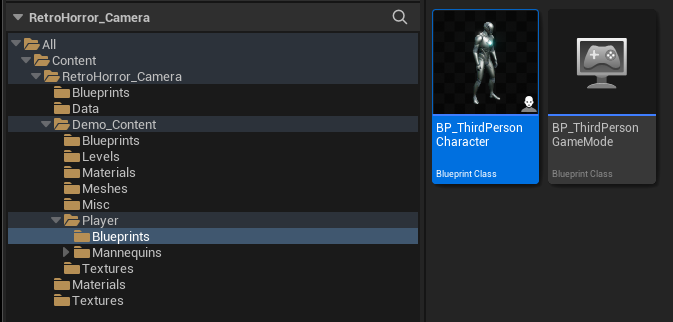
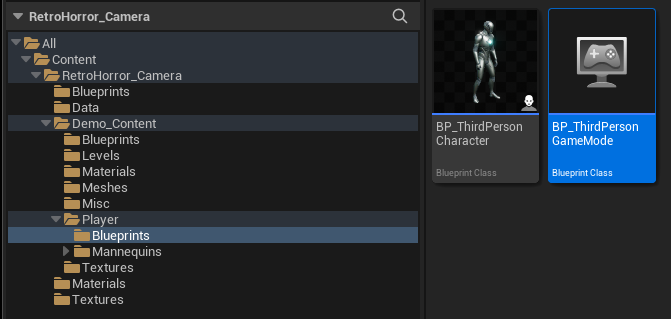
Content -> Aim_LockOn_Component -> Demo Content -> Blueprints -> BP_FirstPersonCharacter
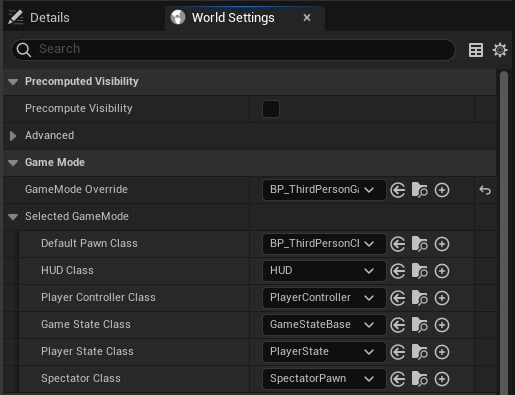
World Settings -> GameMode Override
Content -> Aim_LockOn_Component -> Demo Content -> Blueprints -> BP_FirstPersonGameMode
The demo level includes examples of all features of the Aim Lock-on Component, each with interactive examples and use cases.
Content -> Aim_LockOn_Component -> Demo Content -> Maps -> Demo_LVL
Last updated 1 year ago